All Quick ToolOnline
Free AI writing tools + 25+ browser utilities. Grammar checker, paraphraser, email writer & more — always free, no sign-up.
AI-Powered Tools
All Tools by Category
Explore active categories with real, currently available tools.
21 tools available
Text Tools
9 tools available
Image Tools
14 tools available
Unit Converters
6 tools available
Calculators
14 tools available
QR Generators
500+
Trusted by users
25+
Tools available
100%
Browser based
Why Choose All Quick Tool Online?
100% Private
All processing happens in your browser. Your files never leave your device.
Lightning Fast
No upload delays. Most tools return output instantly.
Always Free
No subscriptions and no hidden limits.
No Sign-Up
Open a tool and start working immediately.
Who is All Quick Tool For?
All Quick Tool serves users worldwide who need fast, reliable, and secure utilities.
How Students Use All Quick Tool
Students can manage documents and format text without installing software.
- Merge notes and references into one PDF.
- Use word counters for assignment limits.
- Compress and convert images for presentations.
How Creators Use All Quick Tool
Creators use quick browser utilities to prepare images and captions for content.
- Generate hashtags and captions quickly.
- Resize and compress media for social platforms.
- Create QR codes and short links for campaigns.
How Developers Use All Quick Tool
Developers use conversion and encoding tools for faster everyday workflows.
- Convert JSON, CSV, and Base64 for APIs.
- Use generators for quick testing tasks.
- Clean copied text and docs before sharing.
How Teams Use All Quick Tool
Business users handle files and text in secure browser-based workflows.
- Prepare presentations and reports faster.
- Handle sensitive files without cloud upload.
- Standardize content formatting in one place.
Why Browser-Based Tools Are Better for Privacy
Client-side processing gives you complete control over your information.
Your Files Never Leave Your Device
Traditional tools upload files to servers. All Quick Tool processes everything locally in your browser.
No Upload Delays or File Limits
Local processing removes upload bottlenecks and keeps conversion fast, even for larger files.
Perfect for Sensitive Documents
Legal, medical, and business files can be processed with stronger privacy and control.
Works Offline After Initial Load
Many tools continue working after page load, even with unstable internet.
The Technical Advantage
Better privacy, faster processing, and fewer bottlenecks compared to server-first tools.
Learn and Improve Your Skills
Explore practical guides to improve your digital workflows.
PDF Management Best Practices
Learn practical tips for merging, splitting, and compressing files efficiently.
Image Optimization Complete Guide
Choose the right format and quality settings for faster sites and better visuals.
Latest from Our Blog
Tips, tutorials, and guides to make the most of All Quick Tool
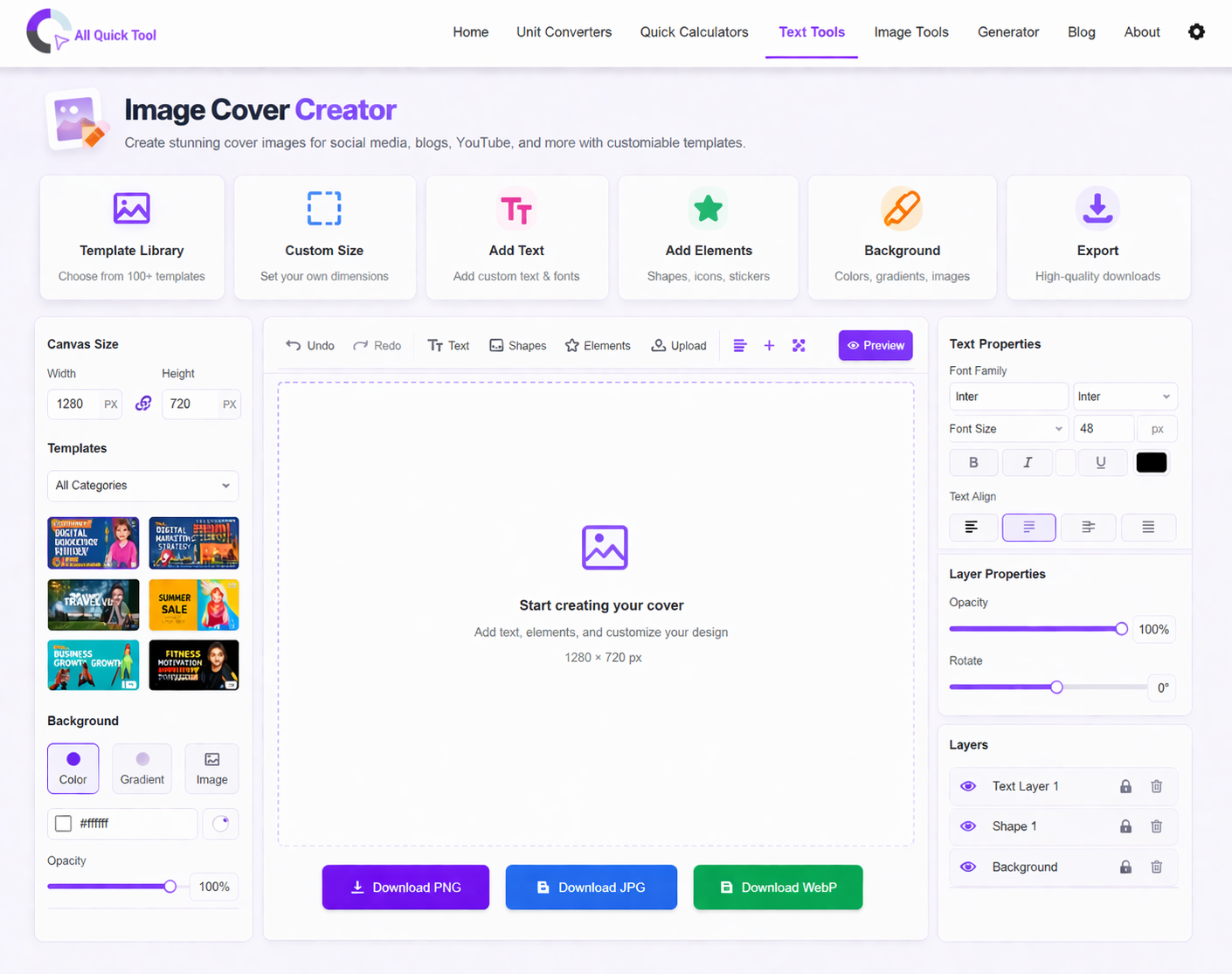
Maximize Productivity with Text Tools: 5 Essential Tips for Content Creators, Students & Writers
Master 5 essential text tools to streamline your workflow. Learn word counting, text formatting, duplicate removal, and content optimization techniques for students, bloggers, and professionals.
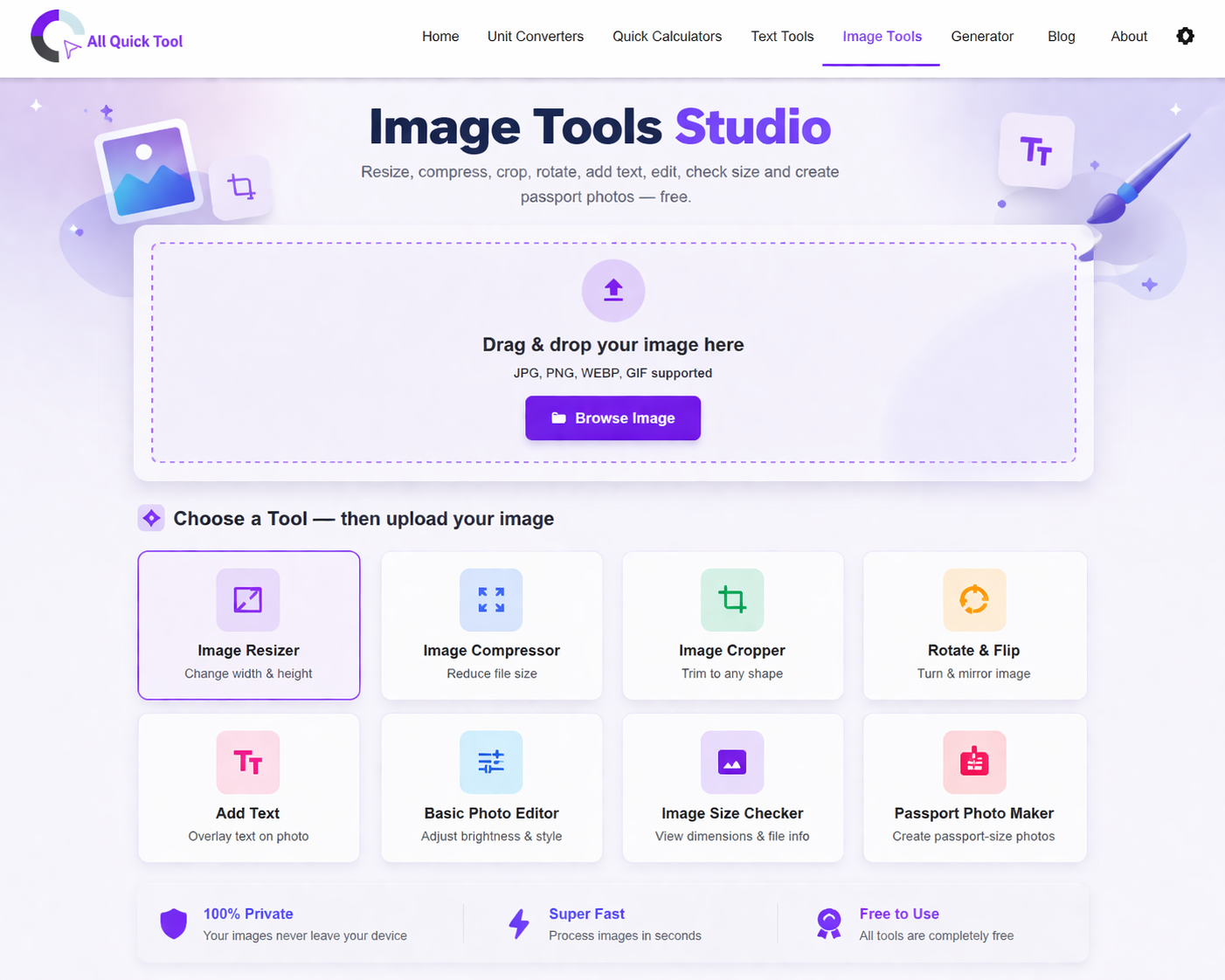
Complete Guide to Image Optimization: Compress, Resize & Convert for Web Performance
Master professional image optimization techniques. Learn how to compress images, resize for different platforms, and convert formats while maintaining quality. Improve website speed, SEO rankings, and user experience with free tools.

QR Codes Explained: How to Create & Use Professional QR Codes for Marketing & Business
Complete guide to creating and using QR codes. Learn QR code types, best practices, marketing applications, design tips, and how to generate professional codes for business cards, social media, packaging, and events.